Why automatically importing PDF transport orders into your TMS fails

You have a tool to automatically import PDF transport orders into your TMS, yet your team is still stuck correcting data and retyping information. The problem isn’t your TMS—it’s how the data is being interpreted.
You’ve tried a tool to automate the processing of PDF transport orders. In theory, it works. In practice, your team continues to correct, verify, and manually supplement the data.
Fields are missing. References are incorrect. Addresses are misinterpreted. As a result, order entry remains a partially manual task.
This issue is rarely caused by your TMS, nor is it usually the fault of the PDF itself. The problem lies in the method of data extraction.
Most solutions for automated PDF processing are built on a combination of OCR (Optical Character Recognition) and fixed templates. This only works as long as the input is predictable.
In reality, it never is. Every customer uses a different format. Fields are placed in different locations. Terminology varies. Sometimes, crucial information is hidden in the body of the email rather than the attachment.
The result? OCR reads the text but lacks the context to understand it. Templates break the moment a layout changes. Data enters your TMS incomplete or incorrect, forcing your team to intervene constantly.
OCR and template-based parsing only solve the conversion of text into digital data; they do not solve the problem of interpretation.
For example, a PDF may contain both a loading and a delivery address, but without context, the system cannot distinguish between the two. Furthermore, relevant information is often scattered across multiple places, such as the email text or different sections of the document.
Without an understanding of the logistical workflow, the output remains unreliable.
Many IT teams attempt to fix this with API integrations. However, an API only works if the input is already structured and consistent. With email and PDF input, that is simply not the case.
The data is semi-structured. Layouts vary by customer. Exceptions are the rule rather than the exception. An API can connect systems, but it cannot assign meaning to variable input.
If you want to import PDF transport orders into your TMS without manual labor, you need a layer that understands what the data signifies within the context of an order.
This means the system must not only recognize text but also determine its role. A loading address must be identified as such, regardless of where it appears in the document or how it is labeled.
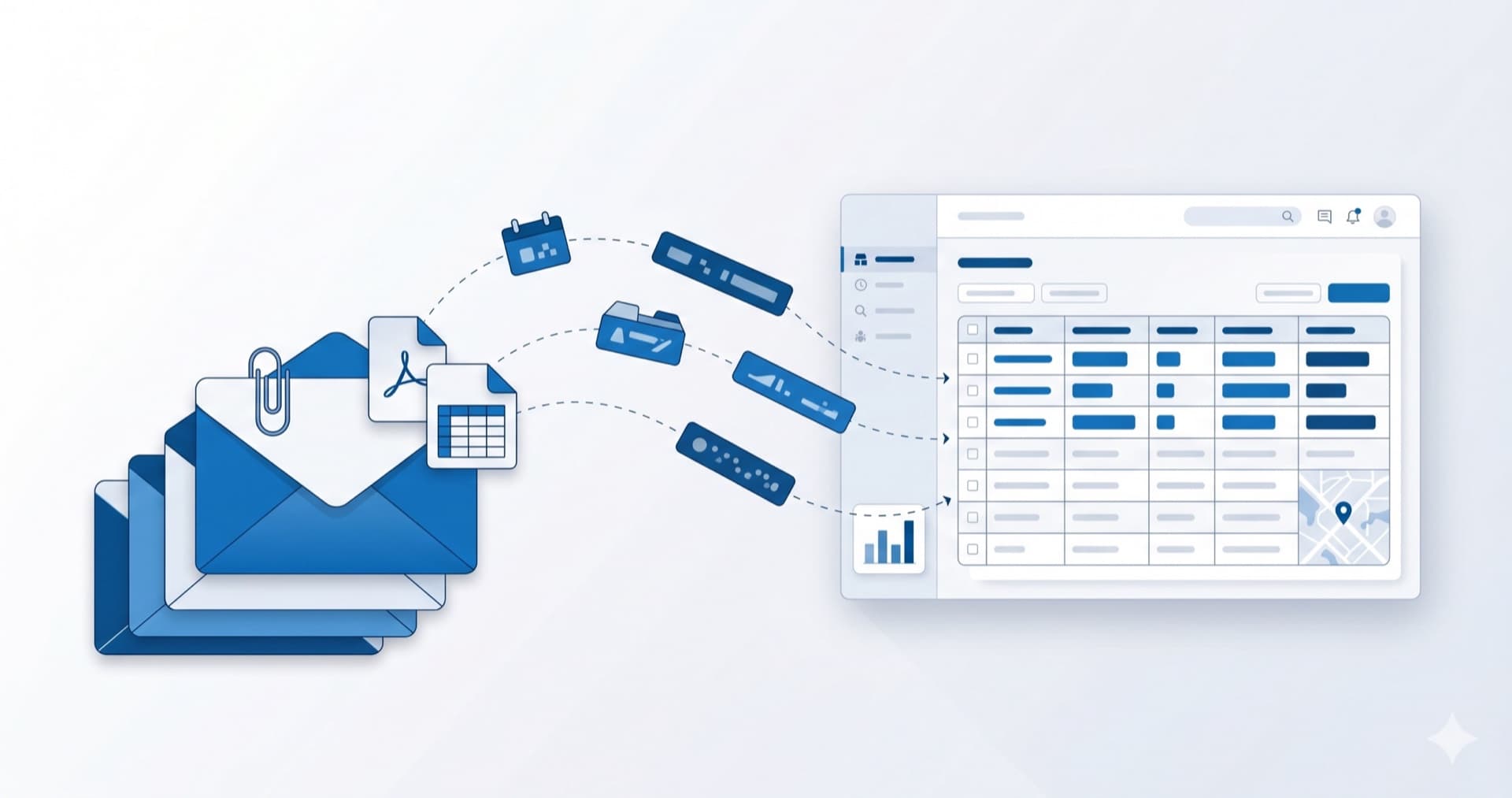
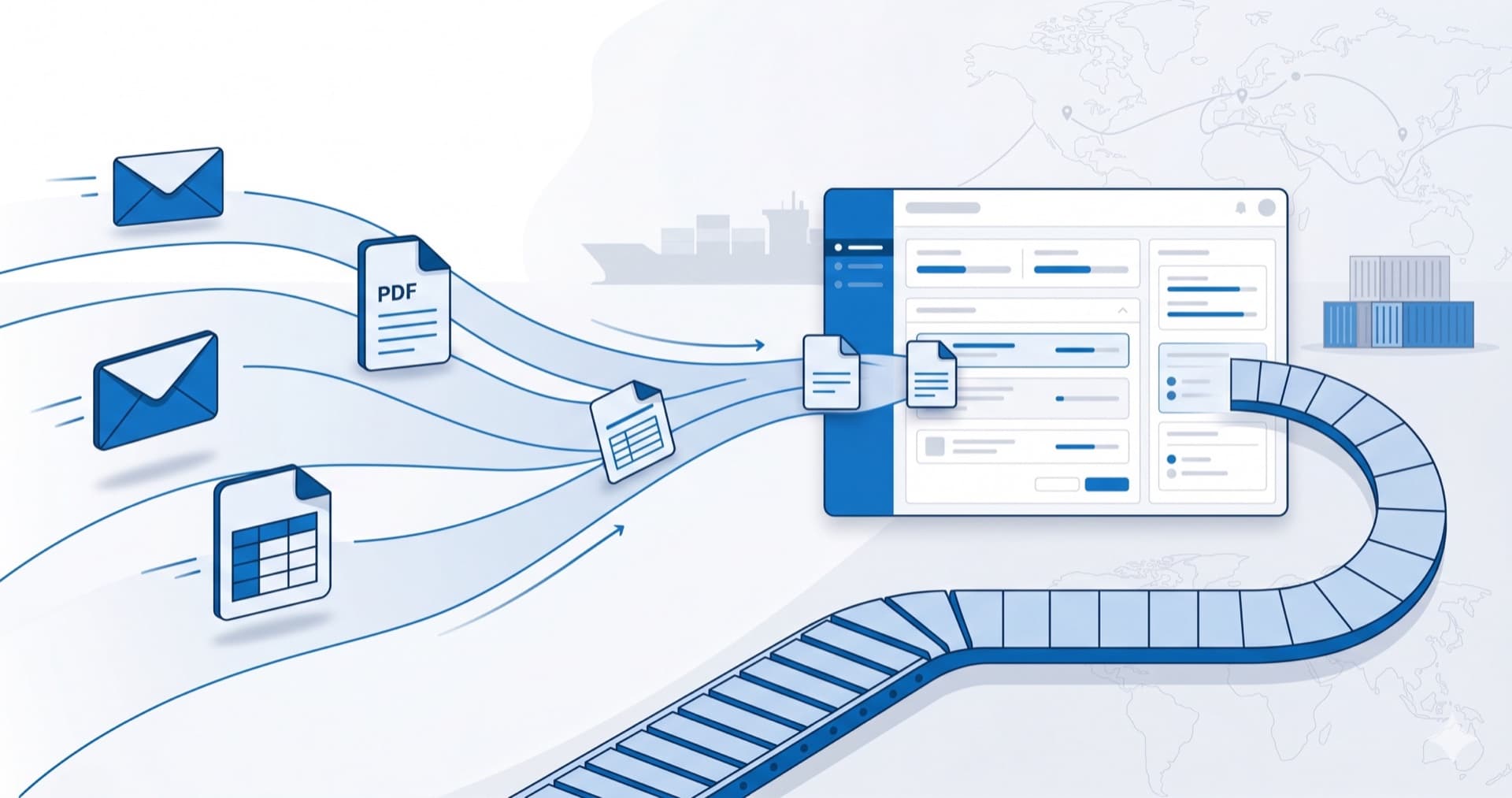
Additionally, information from emails and attachments must be merged into a single, consistent order. Only then is the data truly usable for your TMS.
Automated order entry only truly works when you are no longer dependent on fixed templates, when both emails and PDFs are processed simultaneously, and when exceptions are handled automatically.
Until a solution addresses these issues, your team will remain responsible for the final check and correction. This means your process isn't actually automated.
When implemented correctly, manual steps disappear. Orders are entered consistently. Errors decrease. Planners gain the time to actually plan instead of performing administrative tasks.
Furthermore, your TMS becomes more reliable because the input is more consistent and complete. This paves the way for further optimization and scalability.
The failure to automatically import PDF transport orders into a TMS is rarely due to poor software, but rather a lack of context during data extraction. Solutions that only recognize text will always remain dependent on manual corrections.
True automation, free of manual intervention, only occurs when data is interpreted within the logistical workflow and information from various sources is combined seamlessly.
If you want to see this work within your own process, it is vital to examine how your current solution handles variation, exceptions, and context. That is the difference between partial and full automation.

About the author
Yannick
Marketing
Yannick is verantwoordelijk voor marketing bij Chainfill en schrijft over de rol van AI en automatisering in de transport- en logistieksector.